How to Choose an Interactive Display for Schools in Mexico
A practical guide for Mexican schools, integrators and distributors comparing size, touch, software, connectivity and OEM/ODM support.
◷ Aug 13, 2026 · 6 min read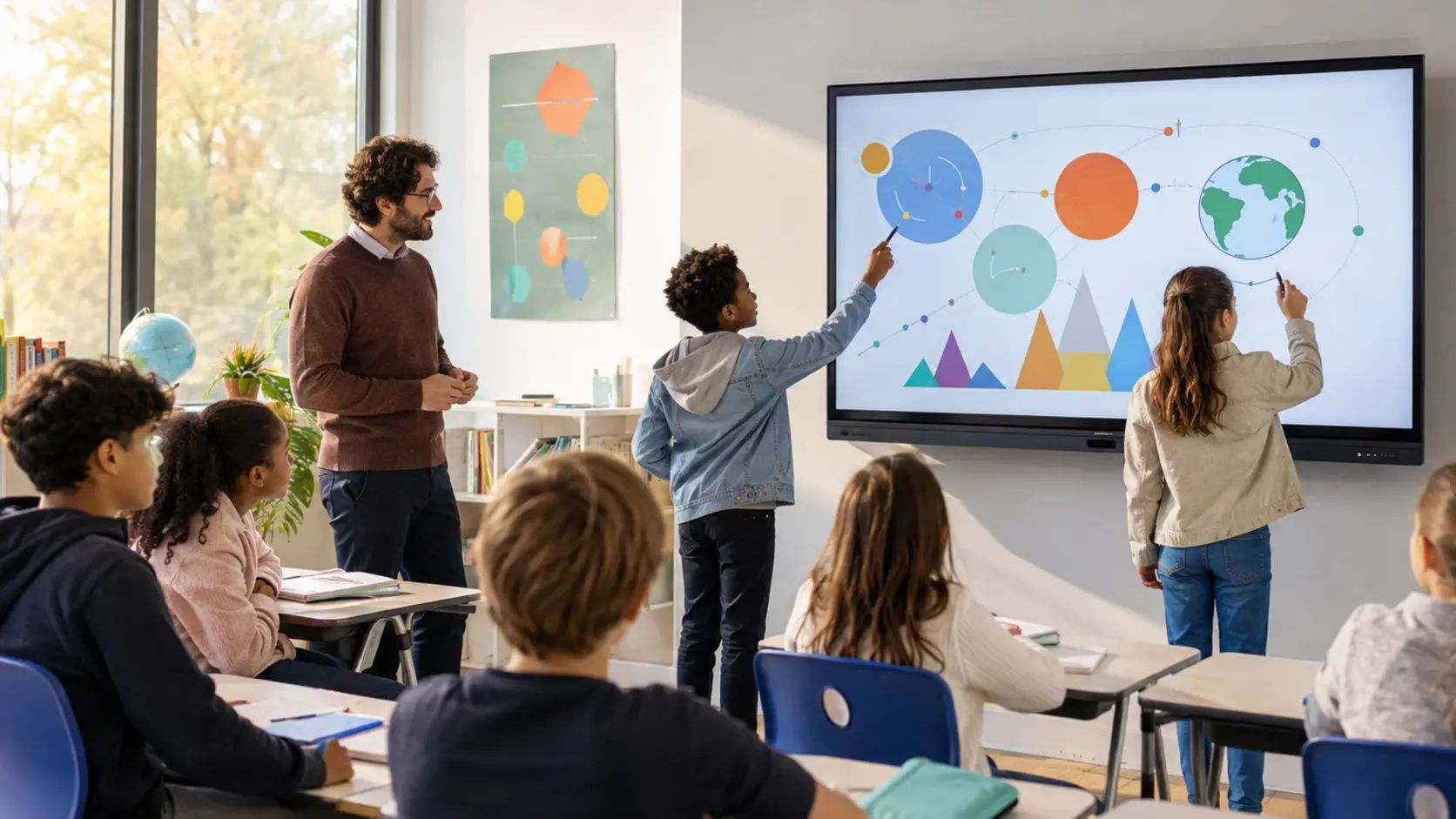
Schools in Mexico need more than a large screen. A useful interactive display must remain readable from the back of the classroom, respond naturally to writing, connect with teachers' devices and fit the school's technical support capacity. For most classrooms, 65, 75 and 86 inches are the sizes most often evaluated according to room depth and student count.
Buyers should compare 4K resolution, anti-glare glass, touch accuracy, Android performance, wireless screen sharing, front ports and the option to add a Windows OPS computer. Installation height, wall strength, mobile stands, warranty parts and Spanish-language operation also affect the real cost of the project.
UWYES supplies 55 to 98-inch interactive whiteboards for education and meeting projects. Mexican distributors and integrators can request OEM/ODM options for memory, cameras, microphones, accessories, logo, packaging and interface language. Visit the UWYES interactive whiteboard range or contact our team on WhatsApp to discuss a Mexico project.
PROJECT HIGHLIGHTS
- 55 to 98-inch 4K touch displays
- Android with optional Windows OPS
- Wireless sharing and front connectivity
- OEM/ODM support for Mexican distributors
Every UWYES project is configured against the confirmed model, destination and customer requirement. Specifications and available options may vary by screen size and program.