OUTDOOR CANOPY SELF-ORDERING KIOSK SOLUTION
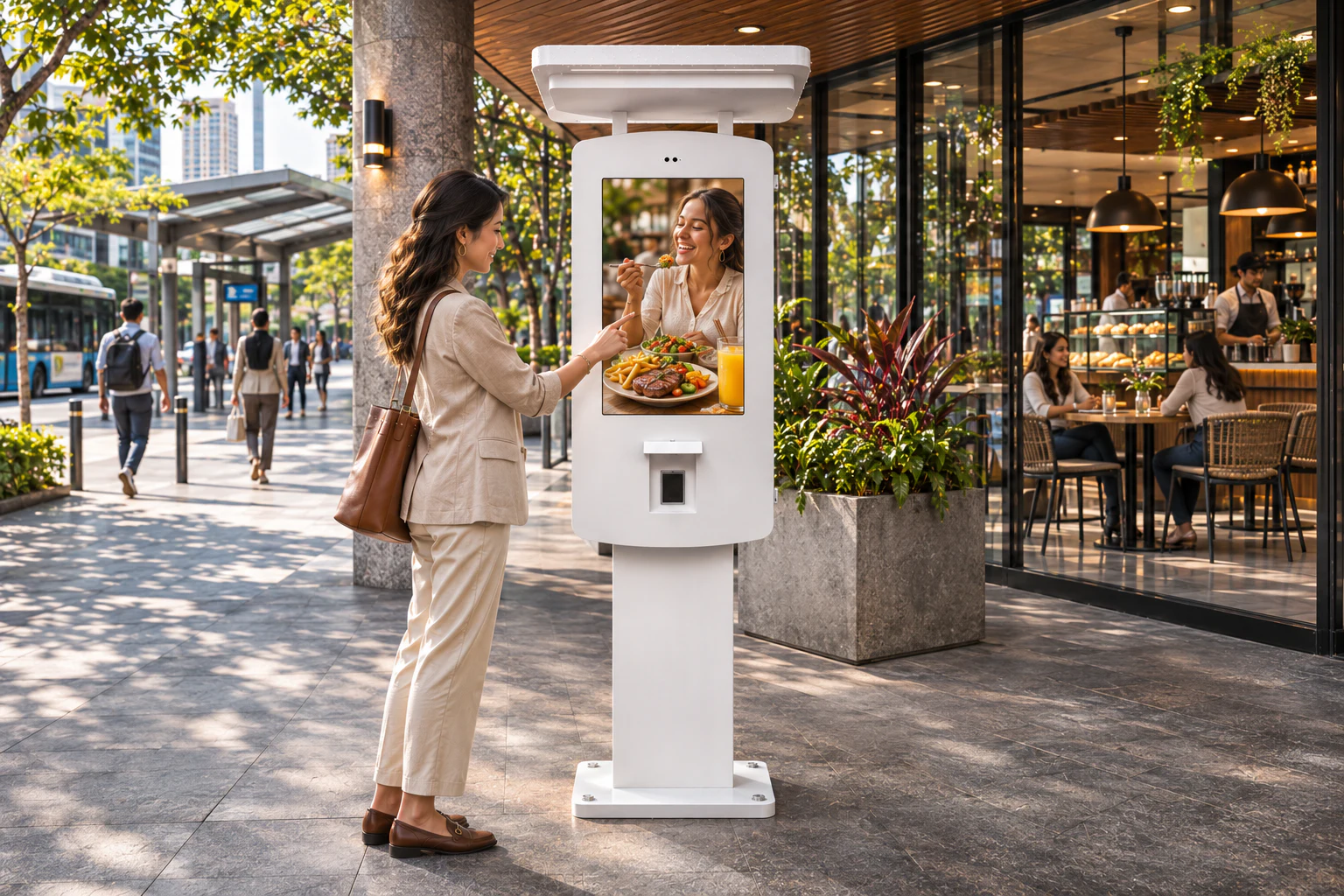
A 32-inch outdoor ordering kiosk with a canopy is planned around the actual customer approach, rain and sun exposure, power and network route, installation base and service access. UWYES supports distributors, integrators and commercial projects with configuration planning; peripherals, software, payment and operating limits are confirmed for the approved project rather than assumed.
CUSTOMER PAIN POINTS
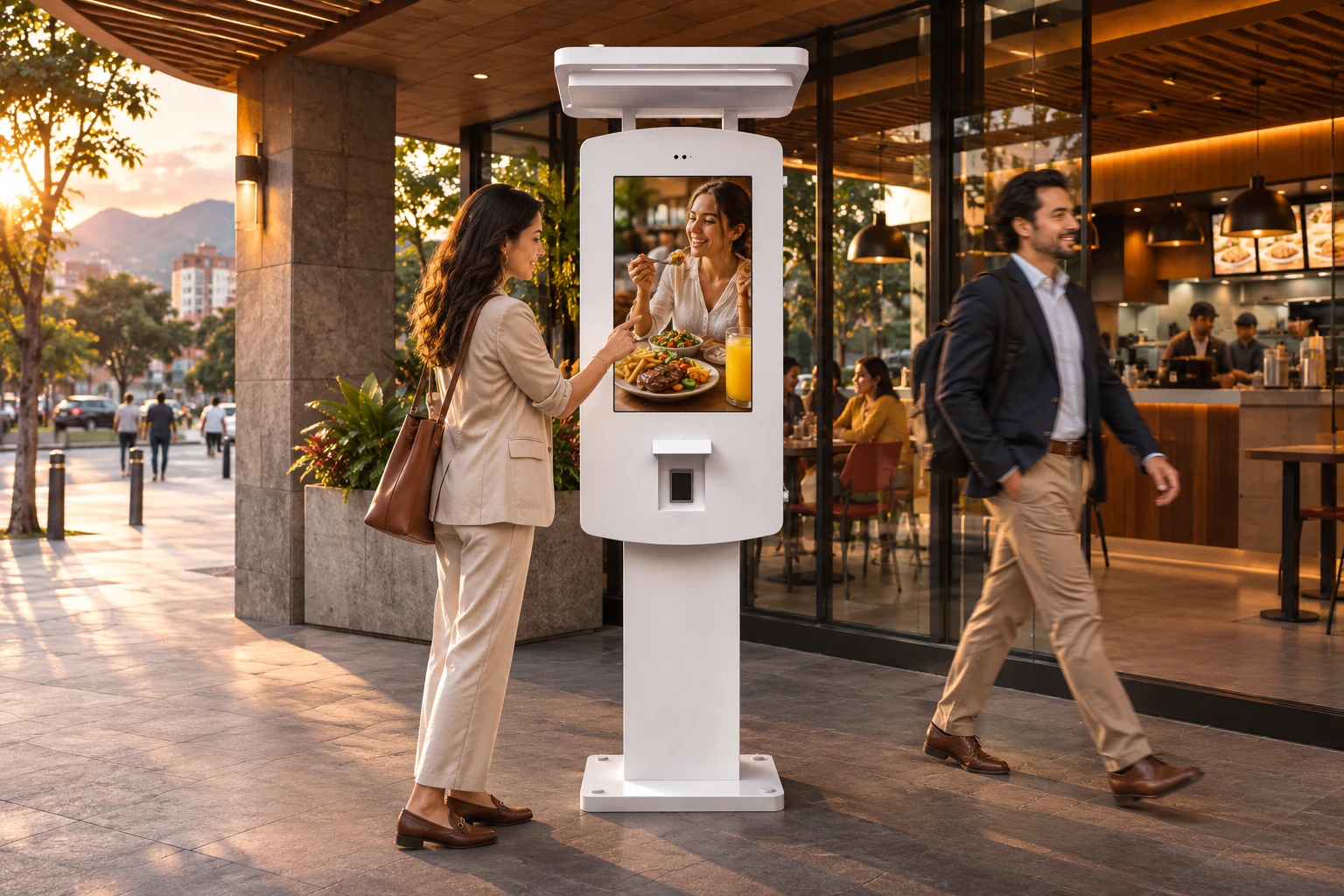
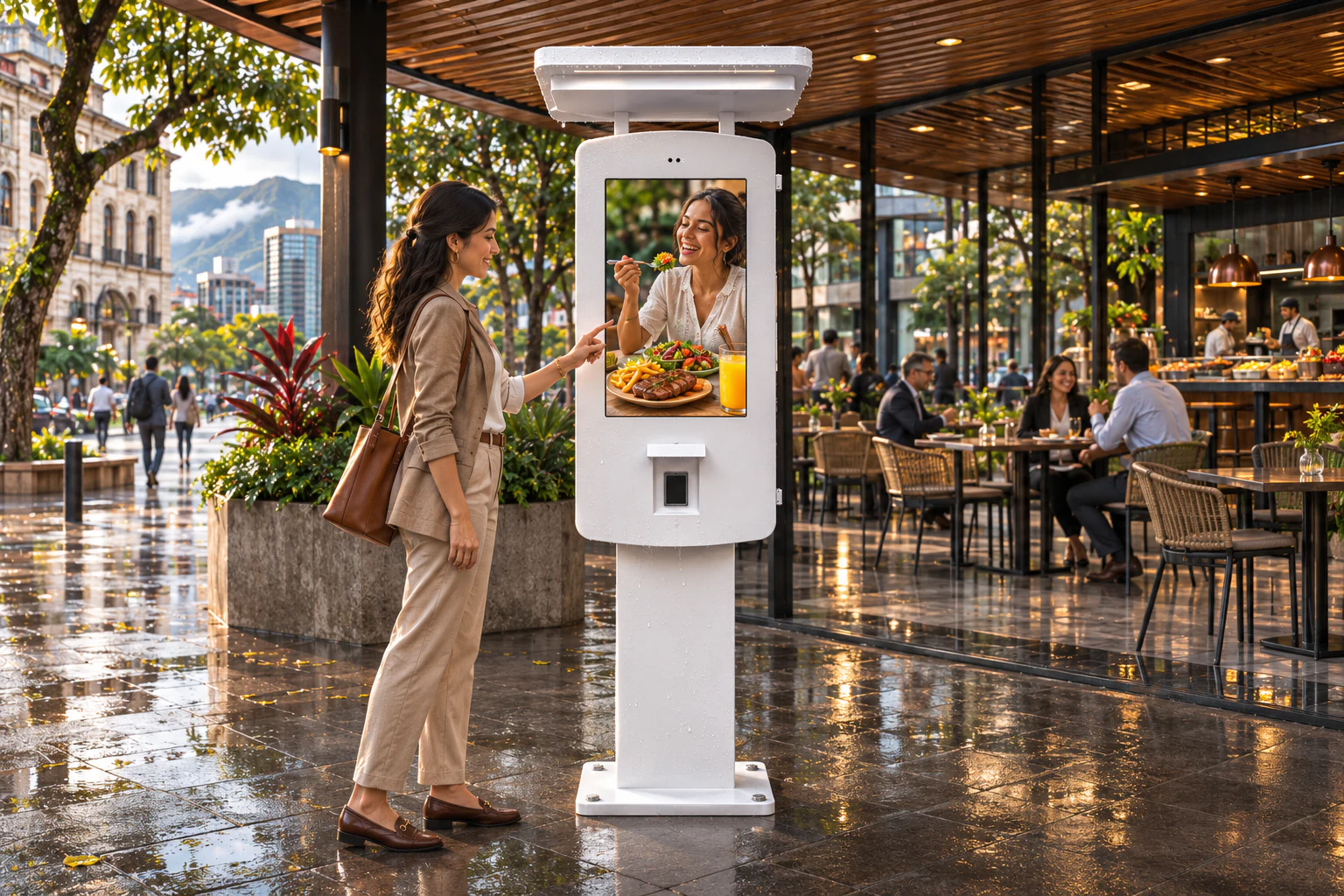
- An indoor kiosk format may not match the sun, rain, ground conditions or service access at a semi-outdoor ordering point.
- The queue, approach angle, canopy clearance and accessible user position affect whether a kiosk fits the customer flow.
- Touch, printer, scanner, payment device, software and connectivity are often treated as defaults even though they need one confirmed configuration.
CUSTOMER REQUIREMENTS
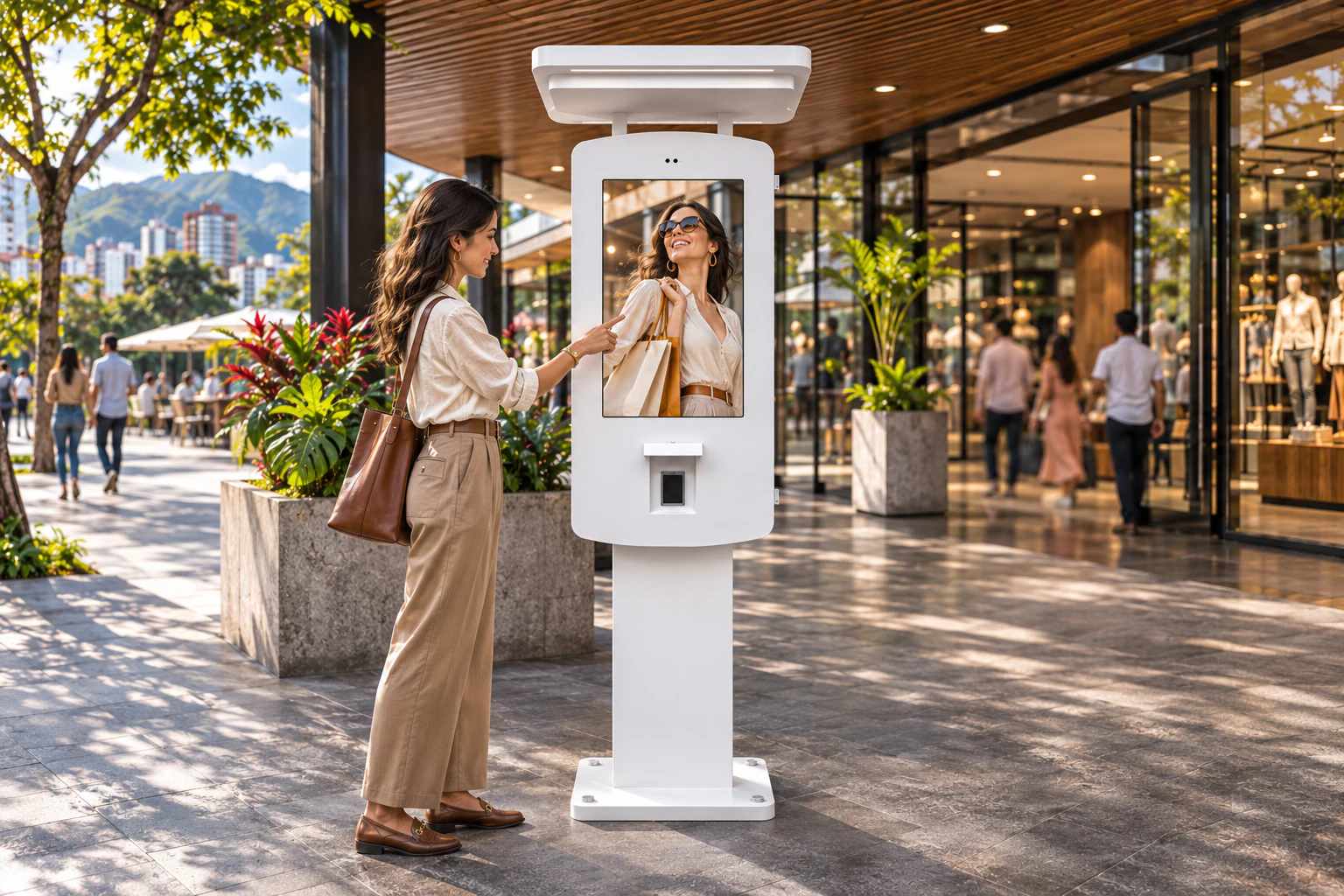
- Share site photos or drawings, canopy and queue layout, user approach, mounting base, installation responsibility and service access.
- Confirm exposure, power, data route, local network, operating schedule and the actual thermal conditions for the intended location.
- Provide the required touch workflow, operating system, printer, scanner, payment device, software/API owner, languages, quantity and destination before quotation.
UWYES RECOMMENDATION
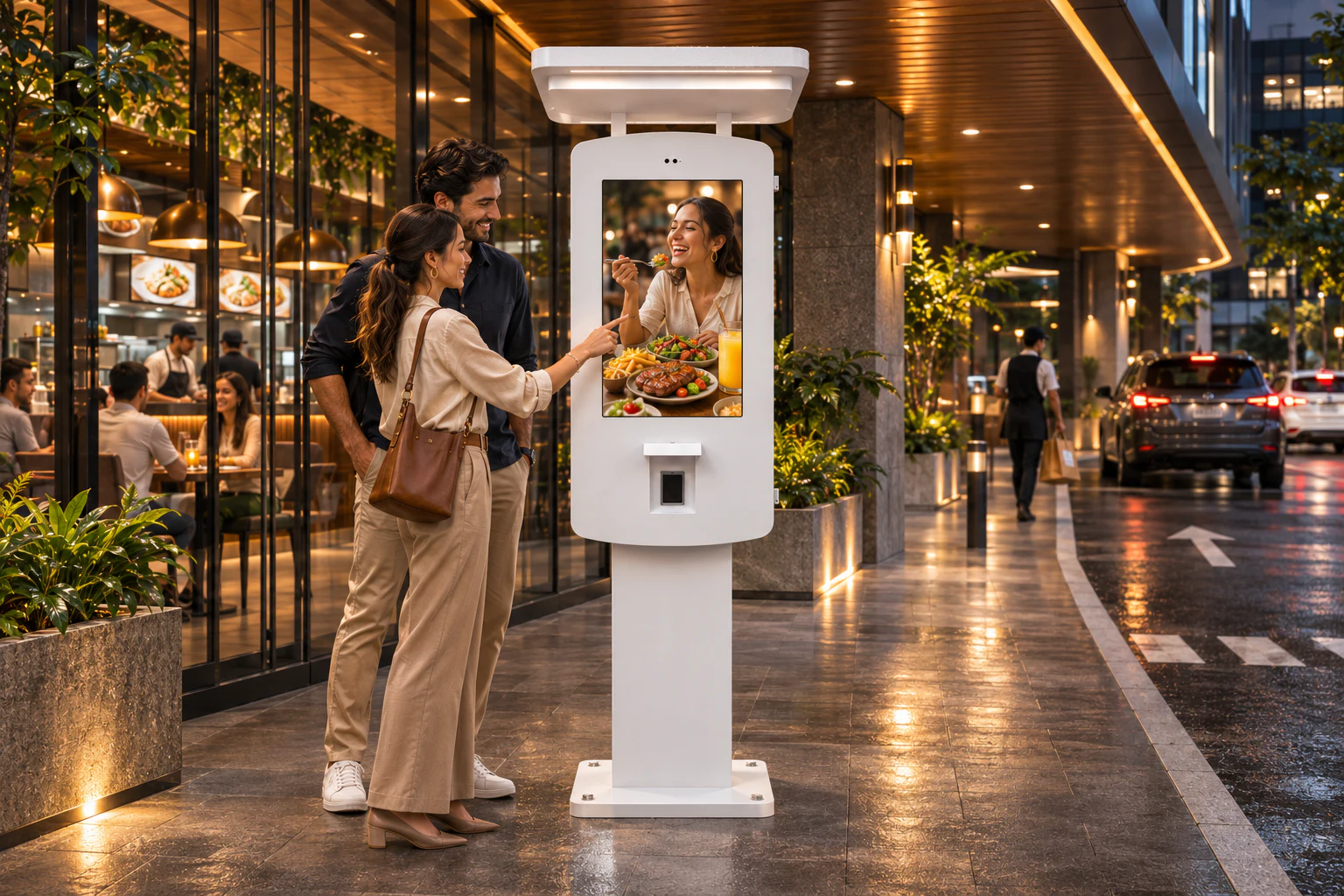
- Use the 32-inch FHD outdoor kiosk platform as the starting point and select the touch, brightness, protection and thermal configuration after the real site and operating conditions are reviewed.
- The reviewed configuration lists Android 11, Ethernet and Wi-Fi; cellular connectivity, touch technology, printer, scanner and other peripherals remain options subject to the approved project configuration.
- Document the boundary between kiosk supply, civil base and fixing, electrical and network work, payment device, POS/API or application software, commissioning and acceptance testing before a commercial offer is finalized.
32-inch FHD Outdoor Canopy Ordering Kiosk · Project-defined touch and connectivity · Optional peripherals subject to validation
EXPECTED OUTCOMES & VALIDATION
- A site-led ordering kiosk brief instead of a generic indoor-terminal comparison.
- Clear responsibility boundaries for hardware, installation, connectivity, payment and software work.
- A practical basis for sample evaluation, final configuration approval and deployment planning.
PROJECT PLANNING & TECHNICAL DETAILS
SITE, QUEUE AND CANOPY PLANNING
Record the approach direction, queue space, mounting location, canopy clearance, viewing angle, accessibility and service route before deciding the enclosure and base. The canopy helps define the product format, but it does not replace validation of the whole location.
DISPLAY AND PLATFORM CONFIGURATION
The reviewed product sheet lists a 32-inch LCD panel, 1920 × 1080 resolution, up to 3,000 cd/m² brightness, IP65 protection, Android 11, Ethernet and Wi-Fi. The approved model, brightness, protection, configuration and environmental limits must still be matched to the actual project.
TOUCH, PERIPHERALS AND SOFTWARE BOUNDARIES
Touch, receipt printing, barcode or QR scanning, RFID, cellular connectivity, payment device, POS, API and application software are not promised as universal compatibility. The selected hardware and the responsible software or integration parties need project-specific validation and acceptance tests.
INSTALLATION AND QUOTATION INPUT
Before quotation, align the base and fixing method, power and data route, local installation scope, access for service, software owner, required peripherals, quantity, destination and delivery schedule. This separates a validated configuration from an illustrative scene.
Send your target market, quantity, installation conditions and assembly plan. We will review configuration, samples, documentation and production responsibilities before quotation.
DISCUSS YOUR DISPLAY PROJECT →MANUFACTURING THAT FITS YOUR PROJECT
Choose the manufacturing route after the product specification, local assembly capability and quality responsibilities are reviewed.